
WhatsApp and SMS Integration for Schools
Explore how Microvidya can help your school connect approved school communication workflows with configured messaging providers.
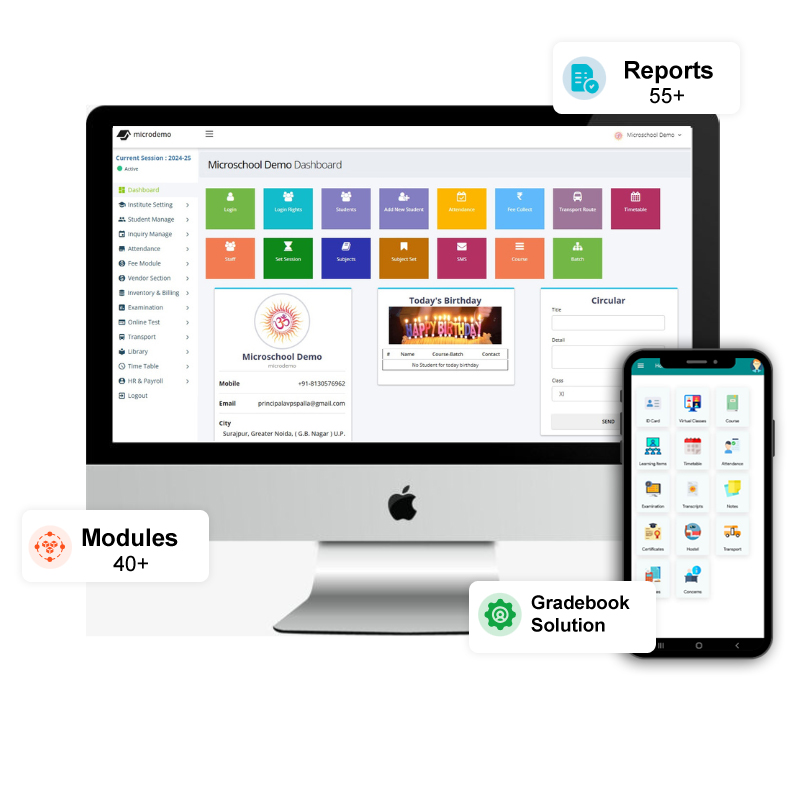
WhatsApp and SMS Integration for Schools from Microvidya is intended for schools that want to connect approved school communication workflows with configured messaging providers. Instead of maintaining the same information across registers, spreadsheets and separate tools, the objective is to keep authorised school teams working from a consistent operational record.
For an Indian school, successful software adoption is not simply a matter of installing an application. The school has to map its current process, prepare data, decide user responsibilities, configure the required modules and train people on the exact tasks they perform. Microvidya should therefore be evaluated as a workflow system—not as a collection of disconnected features.
Why schools look for WhatsApp and SMS integration for schools
Manual processes can work when data volume is small, but they become harder to control as the school grows. Repeated data entry increases the chance of mismatch, reports take longer to prepare, and staff depend on individual files or registers. Common challenges include:
- Manual messaging outside the school system
- Repeated copying of phone numbers
- No consistent recipient selection
- Fee and attendance updates taking extra staff time
A structured system can reduce these gaps when the underlying school process is defined clearly. The goal is to make routine work easier to complete, easier to review and less dependent on repeated manual compilation.
Key capabilities to evaluate
Provider Integration
Connect supported SMS or messaging provider workflows after configuration.
Recipient Selection
Use school records to target relevant authorised recipient groups.
Templates
Maintain approved message wording for recurring communication.
Operational Triggers
Support configured communication from relevant school workflows.
Message Context
Keep communication tied to school records instead of ad-hoc lists.
Delivery Review
Review status information when the provider makes it available.
Important: exact module availability, integrations and commercial inclusions should be confirmed in the current Microvidya proposal for your school. The website avoids presenting unverified third-party integrations or service commitments as guaranteed features.
How the workflow can be implemented
A reliable rollout is normally planned in controlled steps so that data and user responsibilities are checked before the software becomes the day-to-day source of truth.
- Select the provider and confirm commercial/technical requirements
- Verify parent mobile numbers and consent requirements
- Configure credentials outside public source code
- Approve message templates where required
- Test small recipient groups
- Monitor delivery and contact-data quality
Benefits for school management
Management teams generally need dependable visibility rather than more data entry. When records are maintained consistently, authorised decision-makers can review operational information without waiting for multiple departments to combine spreadsheets. This can improve follow-up, accountability and the speed of routine review meetings.
Benefits for staff
For administration, accounts and teaching teams, the practical benefit is a clearer repeatable process. Users know where to enter information, which records they are responsible for, and which report or screen is considered current. This also makes onboarding new staff easier because the process is less dependent on an individual employee’s private workbook.
Benefits for parents and students
Where parent-facing modules or configured communication channels are enabled, schools can make selected information easier to access and reduce routine calls to the office. The exact information shown to parents should be controlled by the school and matched to its communication policy.
Reports schools should ask to see
During a product demonstration, ask the team to show reports using realistic filters and sample scenarios. Useful report areas for this module include:
- Message history where supported
- Recipient lists
- Provider delivery status where available
- Contact-data exception lists
Integrations and connected workflows
If your school requires payment gateway, SMS, WhatsApp, RFID, biometric or another external integration, confirm the exact provider and data flow before finalising scope. Integration feasibility depends on the external system, available API or data format, credentials and agreed implementation work.
Data migration: what to prepare
Before migration, decide which records are active, which fields are mandatory, who will correct incomplete information and which historical data is genuinely useful. Preserve a secure backup of the original approved source data. After import, reconcile record counts and representative samples before users rely on the migrated information.
Security, permissions and data ownership
School software contains operational and personal information, so access should follow job responsibility. During implementation, identify who can create, edit, approve, export and view sensitive records. Remove access when responsibilities change and avoid shared administrator accounts. Schools should also document who owns source data, who is authorised to request exports and how backups or recovery are handled under the agreed service arrangement.
Do not evaluate security only from marketing labels. Ask practical questions: how users authenticate, how permissions are controlled, how errors are logged, how backups are protected and what the school must do to keep accounts secure. Any specific encryption, certification or uptime claim should be verified in the current technical documentation before publication or purchase.
Pricing and total cost considerations
The lowest licence quote is not always the lowest implementation cost. Compare the modules included, setup work, data migration, training, branch requirements, messaging or payment services, device integrations and recurring support or renewal terms. Ask for exclusions as clearly as inclusions so that the school can compare proposals on the same basis.
How to shortlist WhatsApp and SMS integration for schools
- Write 5–10 real scenarios your team performs every month
- Confirm which users participate in each scenario
- Ask the vendor to demonstrate normal and correction workflows
- Review reports with realistic filters and sample records
- Confirm migration, training and integration responsibilities in writing
- Score usability, process fit and total commercial scope before deciding
Training and go-live support
Training should be role based. An accounts user needs different practice from a class teacher or school administrator. Ask users to complete real tasks during training and document recurring procedures as short SOPs. Support terms, timing and included services should match the current agreement rather than generic website claims.
Questions to ask during your Microvidya demo
- Can you demonstrate our exact workflow rather than a generic presentation?
- Which modules and integrations are included in the quotation?
- How will our existing data be cleaned, mapped and verified?
- What access will different school roles receive?
- Which reports are available for this module?
- What responsibilities remain with our school during implementation?
Frequently asked questions
What should a school check before choosing WhatsApp and SMS integration for schools?
Start with your current workflow, required modules, user roles, migration data, reporting needs and integrations. Ask the vendor to demonstrate your real scenarios instead of relying only on a feature list.
Can existing school data be migrated into WhatsApp and SMS Integration for Schools?
Migration can be planned when the source data is available in a usable format. Student, fee, attendance or other records should be cleaned and validated before import, and the exact migration scope should be agreed in advance.
How long does implementation take?
Implementation time depends on the modules selected, data quality, school readiness, integrations and training scope. A phased rollout is often easier to control than switching every process at once.
Does Microvidya support role-based access?
The implementation is designed around authorised user access. The exact permissions should be configured according to the roles and responsibilities approved by the school.
Can we request only selected modules?
The commercial and implementation scope should be based on the modules your school actually requires. Ask for a written proposal that confirms what is included.
How can we evaluate WhatsApp and SMS integration for schools before purchase?
Prepare 5–10 real school scenarios and ask for a focused demonstration. Include exceptional cases such as corrections, cancellations, missing data and report verification—not only the ideal workflow.
Related Microvidya solutions
Evaluate WhatsApp and SMS Integration for Schools with your actual school workflow
Share your school type, approximate student strength and the processes you want to improve. We will keep the walkthrough focused on the workflows relevant to your team.